![EffectForge [Beta]](https://img.itch.zone/aW1nLzI5NzM0OTk3LnBuZw==/original/xrcy6R.png)
EffectForge [Beta]
A downloadable tool for Windows and Linux
Forge animated effects. Preview them live. Export them to your game.
effect-forge is a desktop VFX creation tool for indie game developers, pixel artists, and small teams. Build fluid simulations, looping pixel-art fire, or animated sprite effects through a focused visual editor—then export the result as a trimmed PNG spritesheet with JSON metadata.
This is an early beta. The core creation and export workflows are working, and your feedback will help shape the interface, presets, performance, and next modules.
What you can create
- Smoke plumes, dust clouds, fire, explosions, blood-like splashes, and magical effects.
- Looping pixel-art flames with custom color bands, scale, flicker, distortion, and shape masks.
- Impact rings, circles, squares, whirls, smoke forms, and custom-shaped emission.
- Animated sprite reactions such as squash, stretch, shake, rotation, skew, flash, tint, outline, and dissolve.
- Trimmed spritesheets ready to import into your game workflow.
Three focused workflows
Fluid
Start from the included Blood, Dust, Explosion, Fire, Magic, or Smoke presets. Tune the simulation, change colors, place multiple emitters, adjust force and timing, and choose a shape for each emitter. The simulation runs on the GPU so you can iterate in the live preview.
The built-in shape library includes circles, impacts, smoke masks, squares, and whirls. You can also load your own monochrome texture as an emitter shape or material source.
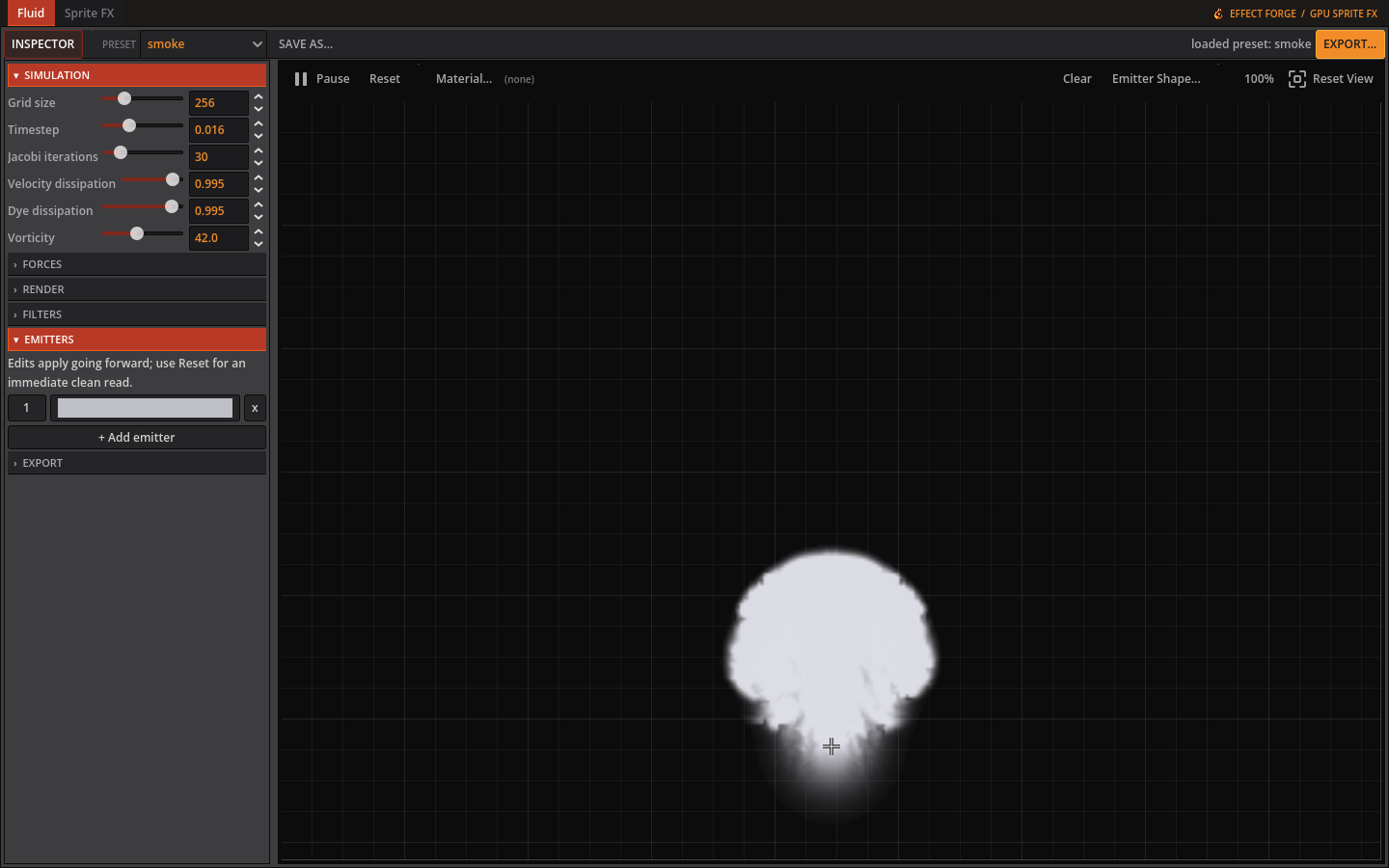
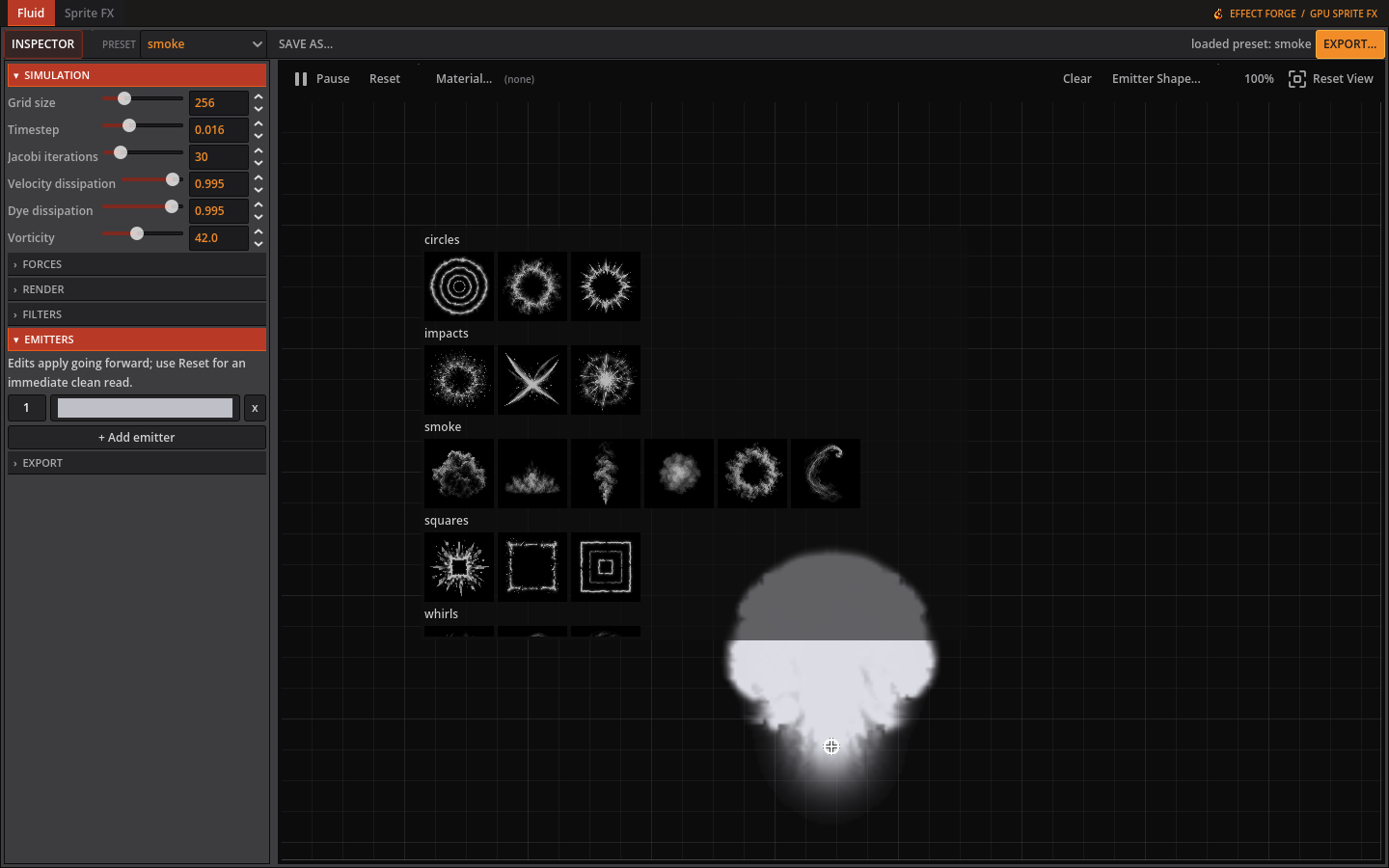
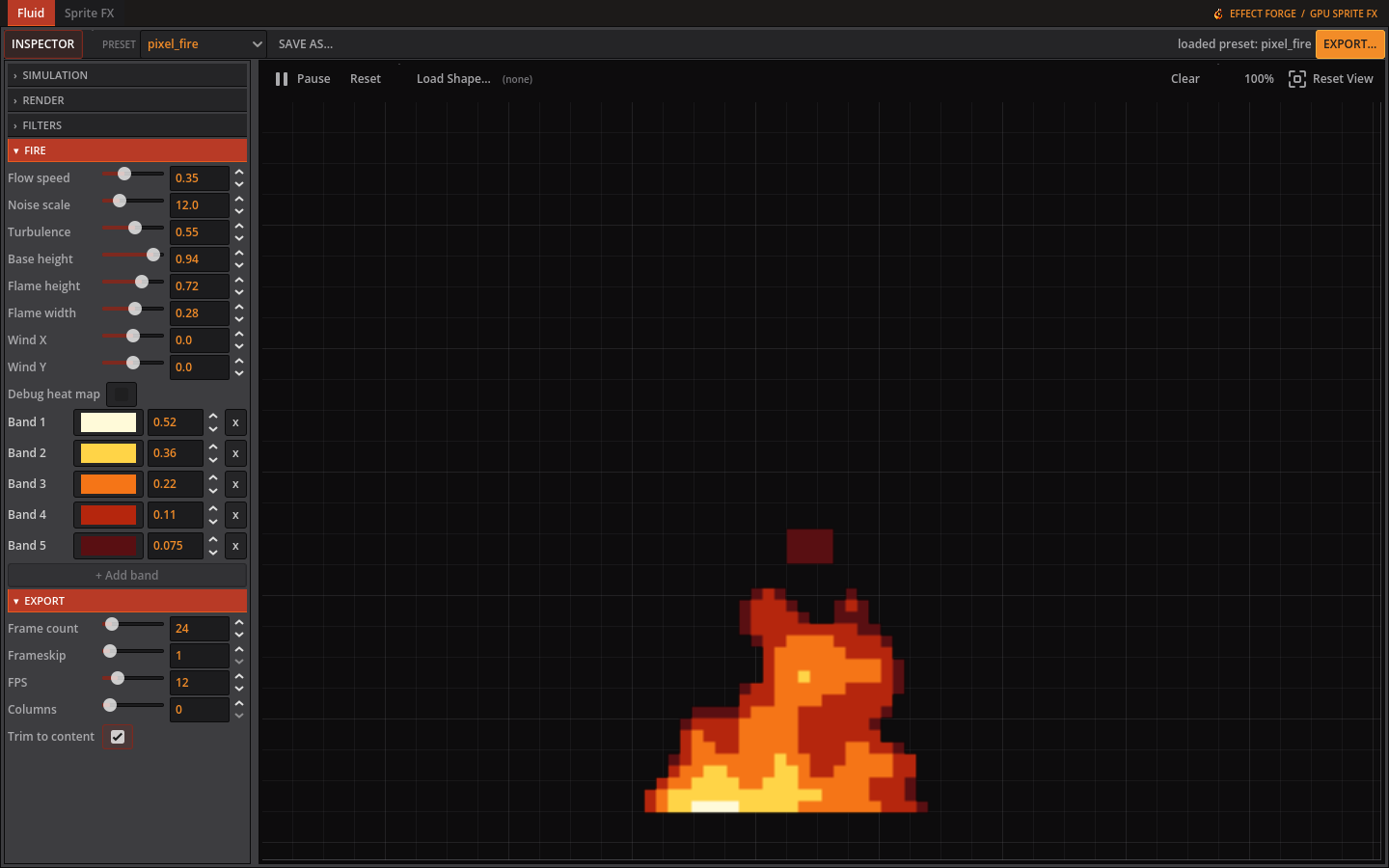
Pixel Fire
Create crisp, looping pixel-art flames without drawing every frame by hand. Edit the palette bands and thresholds, choose a source shape, control the pixel scale and motion, then preview the complete animation before export.
Sprite FX
Load your own sprite and animate it on a keyframe timeline. Combine transform and presentation effects—including squash, scale, rotate, skew, shake, flash, tint, outline, and dissolve—and preview the animation directly in the editor.
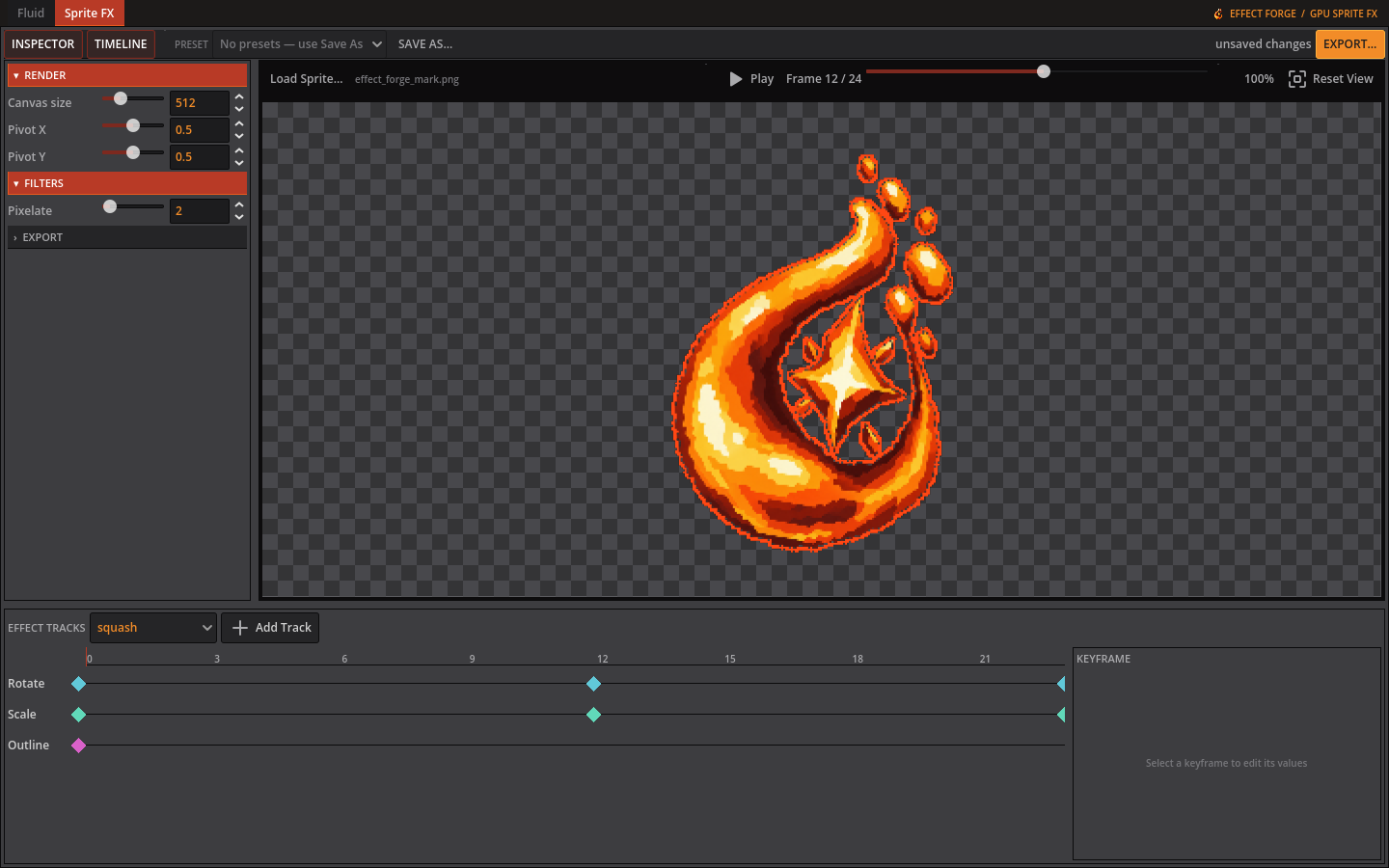
How it works
- Choose a preset or import a sprite.
- Adjust the effect, palette, emitters, canvas, timing, and export settings.
- Play or scrub the preview; pan and zoom when you need a closer look.
- Export a trimmed PNG spritesheet and its JSON sidecar metadata.
Exports are deterministic: the same preset and settings produce the same result, which makes iteration and versioning predictable.
Included in this beta
- Fluid simulation with six starter presets.
- Procedural Pixel Fire render mode.
- Sprite FX keyframe editor.
- Emitter shape browser with bundled circles, impacts, smoke, squares, and whirls.
- Live animation preview.
- Frame count, FPS, column, canvas, pixelation, looping, and trim controls.
- PNG spritesheet and JSON metadata export.
- Windows x86_64 and Linux x86_64 builds.
Beta notes and requirements
- A Vulkan-capable GPU is required.
- Windows 10/11 64-bit or a modern 64-bit Linux desktop is recommended.
- macOS is not included in this beta.
- The interface and presets are still evolving, and compatibility issues may remain on some GPU/driver combinations.
- Please keep copies of presets and exported work while testing beta builds.
Linux installation
Extract the download and run install.sh once. This registers effect-forge in your desktop application menu with the correct icon; it does not require administrator privileges. You can then launch it from the application menu.
Windows installation
Extract the download and run effect-forge.exe. Windows may show a security prompt for an unsigned beta build.
Help improve effect-forge
If something breaks—or if a workflow feels harder than it should—please send feedback to [SUPPORT EMAIL OR COMMUNITY LINK]. Include your operating system, GPU model, what you expected, what happened, and the steps needed to reproduce it.
Screenshots and exported examples are especially useful. I would also love to see the effects you create.
Developed by [Delirium Forge Studio].
Download
Click download now to get access to the following files:
Development log
- EffectForge is now open for beta testing3 hours ago
Leave a comment
Log in with itch.io to leave a comment.